Snore tracker · Just your phone · Every night

End the nightly
battles.

Record your nights with your phone, get a Snore Score, listen back to the actual snoring, and find what makes it better or worse.
Snore Score every night Listen back to the recordings No wearable needed
Free To download
Daily to monthly Trend views
iOS & Android Both stores
Snore Score Your night at a glance
Listen back The actual recordings
Factor impact What makes it worse
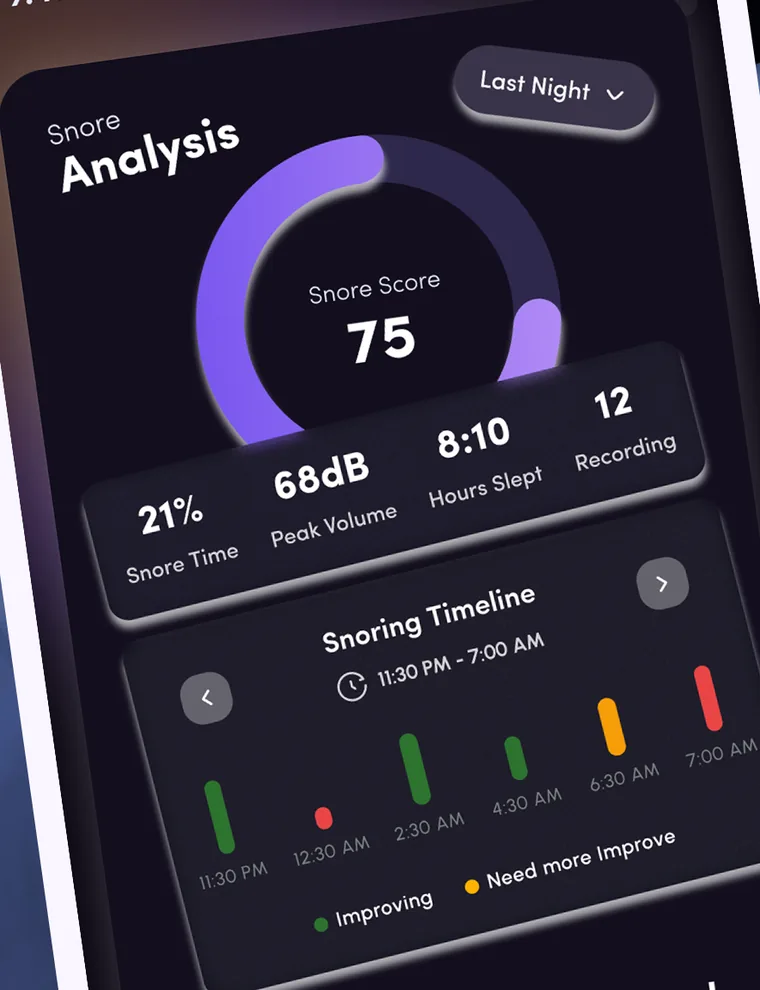
The SnoreCare Snore Analysis screen: a Snore Score of 75 with snore time, peak volume, hours slept, recordings and the snoring timeline for last night
12
Apnea screening questions
3
Trend views
4
Recording intensity bands
2
Platforms: iOS & Android
Nine things in one app

One app for the whole night.

Record, review, learn and try things that might help, all from the phone by your bed.

Snore Score & night report Score, snore time, peak volume, timeline
Listen back Play and download the recordings
Trends Daily, weekly and monthly
Snoring factors Log them, see each one’s impact
SnoreGym Guided exercises and courses
Sleep apnea risk screening 12 short questions
SnoreCare AI Ask about your snoring, any hour
Learn Guides, articles and Remedy Match
Health sync & reminders Apple Health, Health Connect, bedtime
How it works

Record, review, try.

Three steps from a night in bed to a trend you can follow.

1

Start recording

Put your phone by the bed and start recording. No wearable needed.

2

Wake up to your report

See your Snore Score and listen to the recordings from the night.

3

Log, try, track

Log factors, try remedies and SnoreGym, and watch the trend.

The night report

What your night report shows

Every night you record becomes a report you can read at a glance.

Snore Score

One score for the night, so you can compare one night with another.

Snoring timeline

See when the snoring happened across the night, not only how much.

Snore time

The share of the night you spent snoring, shown as a percentage.

Peak volume

The loudest moment of the night, in decibels (dB).

Hours slept

How long the night was, shown next to the score.

Number of recordings

See how many recordings the night produced, then play any of them.

Health sync & reminders

Sync with Apple Health or Health Connect, and set bedtime reminders.

Not a medical device

SnoreCare is not a medical device and does not diagnose any condition. If your snoring is severe or persistent, speak to a doctor.

Listen back

Hear what the night sounded like.

Every snore recording can be played and downloaded, tagged by how intense it was. Trends show how your nights add up.

  • Play and download Listen to the actual snoring, or keep the file.
  • Tagged by intensity Quiet, light, loud and strong bands.
  • Daily, weekly, monthly Weekly covers the last 7 days, monthly the last 6 months.
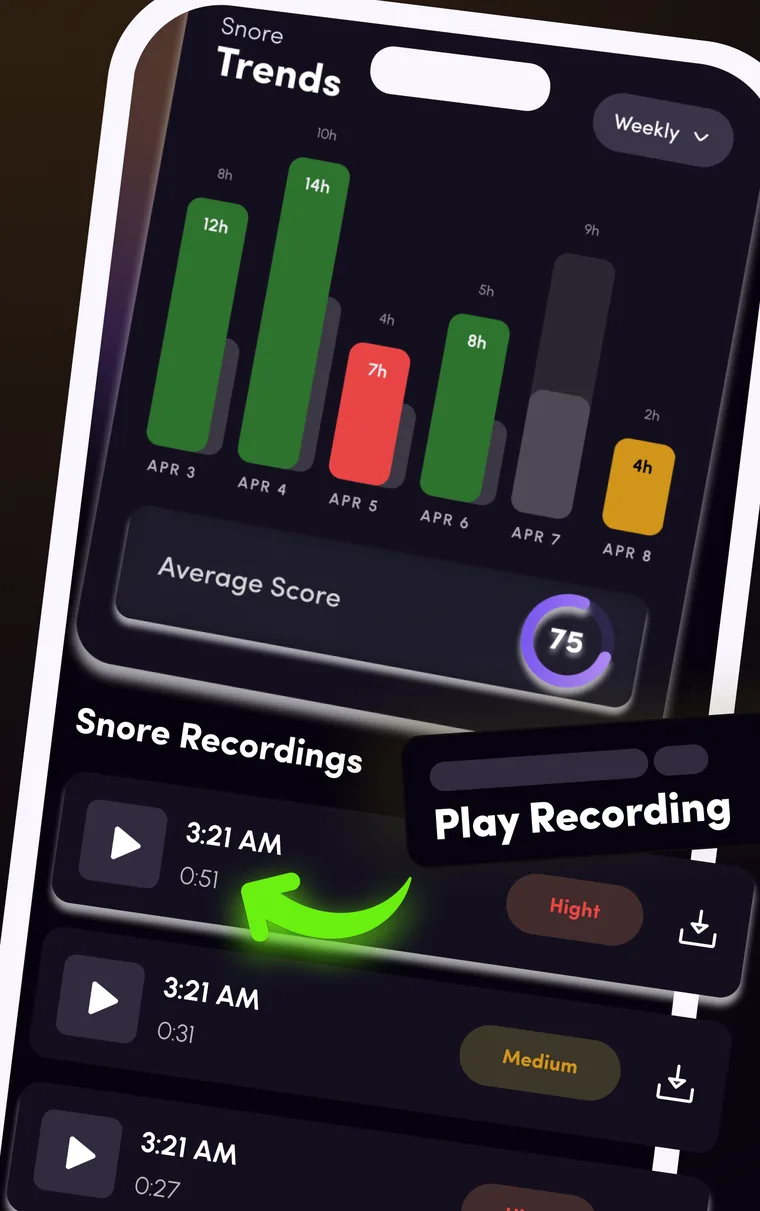
The SnoreCare Trends screen with weekly bars and the average score, above a list of snore recordings tagged by intensity with play and download buttons
Snoring factors

See what makes it better or worse.

Log factors such as alcohol, diet, sleep position and exhaustion, then see each factor’s impact on your score.

  • Log what happened Alcohol, diet, sleep position, exhaustion and more.
  • Factor impact See how each factor affects your Snore Score.
  • Try remedies The Learn tab has a Remedy Match quiz that suggests remedies matched to you.
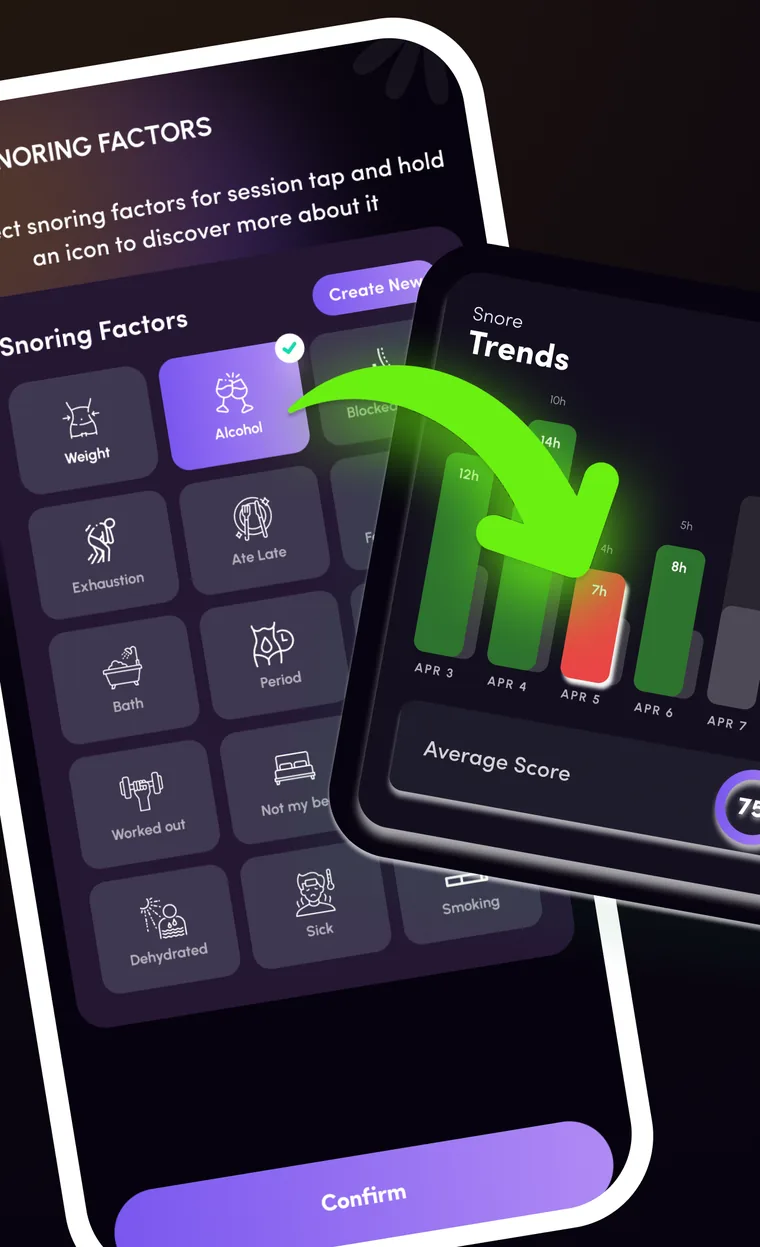
The SnoreCare Snoring Factors screen with factor icons such as Alcohol, Exhaustion and Ate Late, overlapping the Trends screen
Sleep apnea risk screening

A short screening, not a diagnosis.

Answer 12 short questions in the app to see a sleep apnea risk screening.

  • 12 short questions A screening from your answers.
  • Not a diagnosis Only a doctor can tell you if you have it.
  • Talk to a doctor If your snoring is severe or persistent, speak to a doctor.
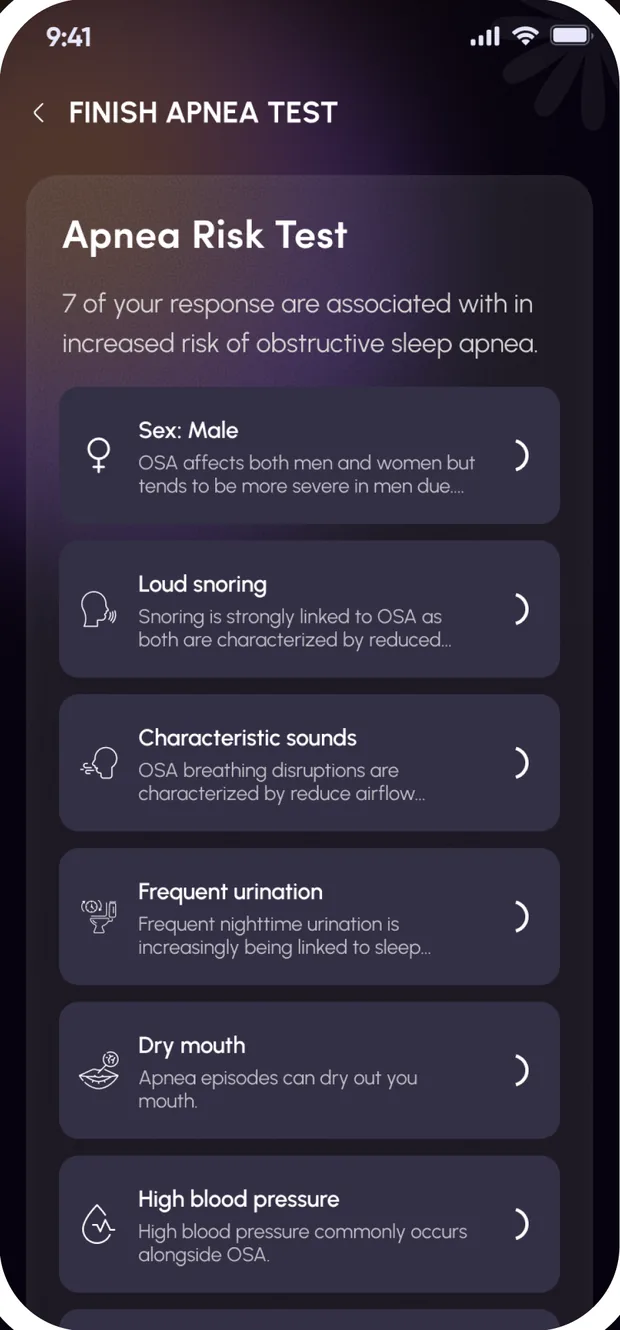
The SnoreCare Apnea Risk Test screen listing factors such as loud snoring and dry mouth
A quick tour

Straight from inside the app

Real screens, one for each area.
The SnoreCare Snore Analysis screen with a Snore Score, snore time, peak volume, hours slept and the snoring timeline
Snore Analysis Score, snore time, peak volume and the timeline.
The SnoreCare Trends screen with weekly bars and a list of snore recordings
Trends & recordings Weekly trends and the snore recordings.
The SnoreCare Snoring Factors screen with a grid of factor icons
Snoring factors Log what happened that night.
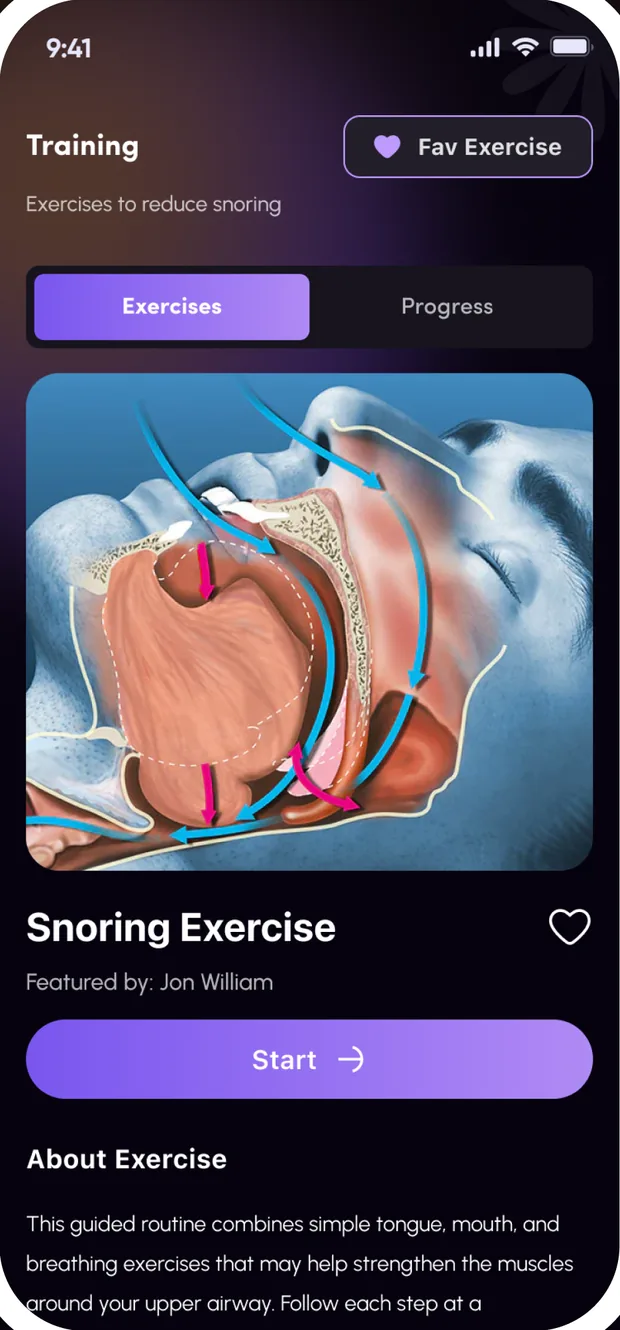
The SnoreCare SnoreGym screen with an exercise, a Start button and Exercises and Progress tabs
SnoreGym Guided exercises with a progress tab.
The SnoreCare Apnea Risk Test screen with a list of factors
Apnea screening Short questions, from your answers.
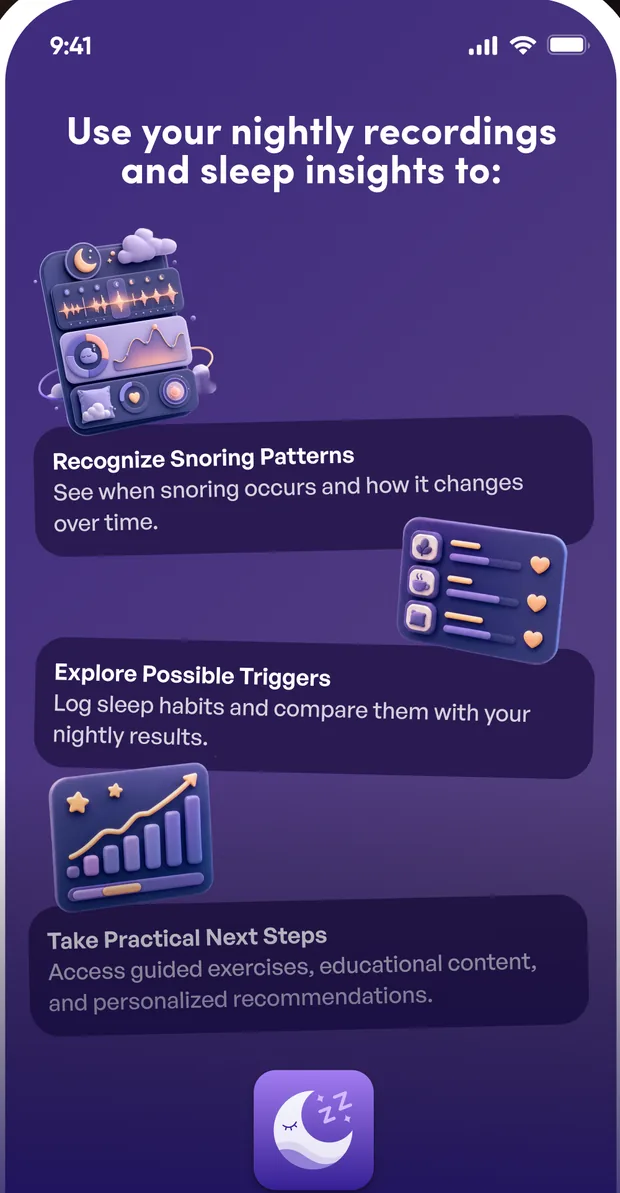
The SnoreCare insights screen: recognize snoring patterns, explore possible triggers and take practical next steps
Nightly insights Patterns, possible triggers and next steps.
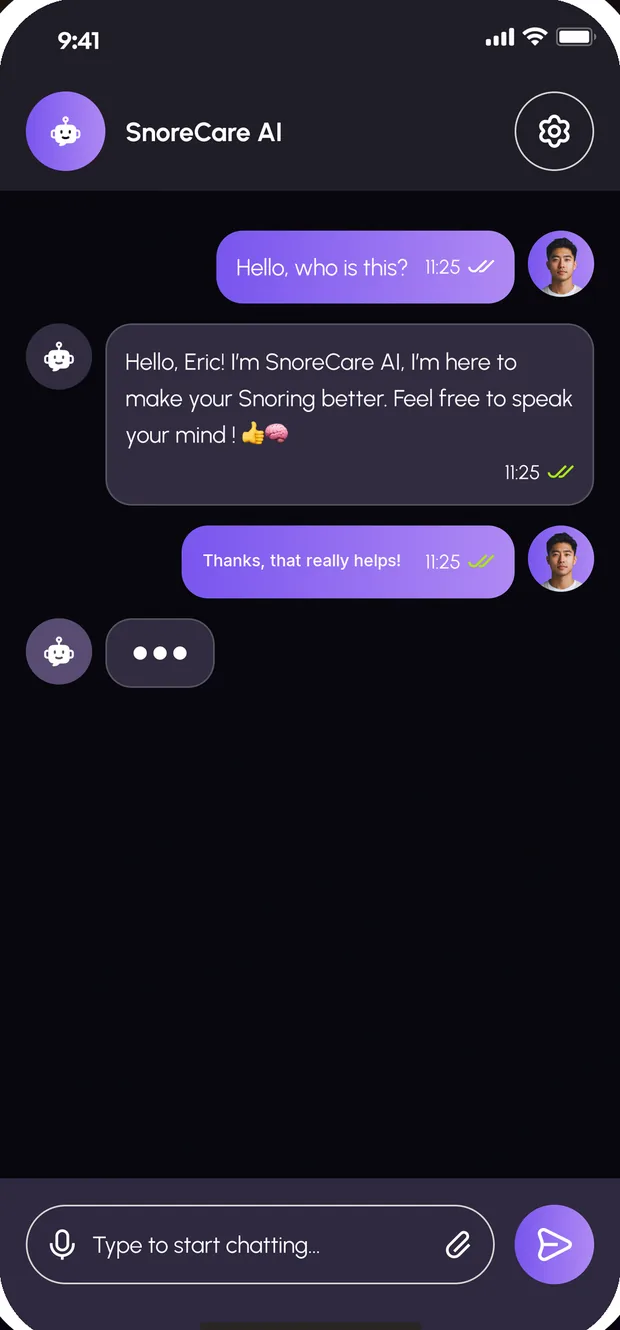
The SnoreCare AI chat screen with a greeting and a message box
SnoreCare AI Ask about your snoring, any hour.
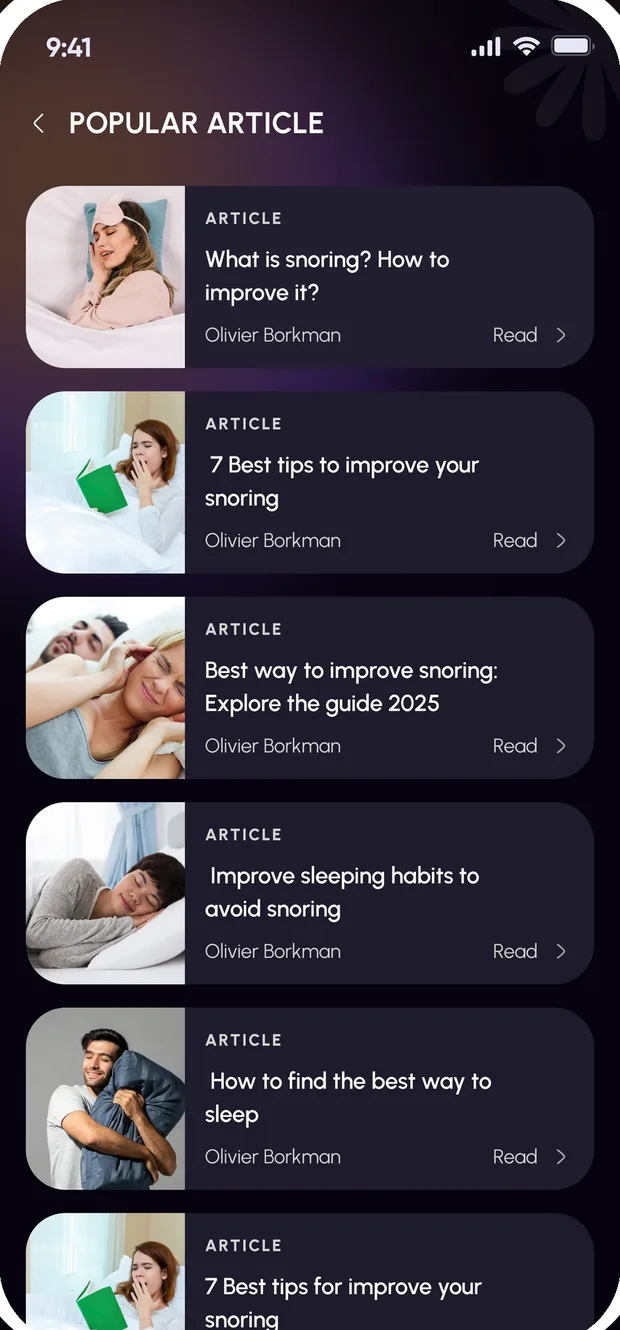
The SnoreCare Learn screen with a list of articles about snoring
Learn Guides and articles on snoring and sleep.

Taken from the SnoreCare App Store screenshots. The scores, dates and recordings shown are examples — what you see depends on your own nights.

SnoreCare Plus

Try SnoreCare Plus free

SnoreCare Plus is the app’s subscription. Start your free trial and cancel anytime.

Start with the app

The price and the length of any free trial are shown on the purchase screen, in your currency, before you subscribe. Subscriptions renew automatically unless cancelled in your App Store or Google Play account settings.

  • Start your free trial Shown on the purchase screen before you commit.
  • Cancel anytime From your App Store or Google Play account settings.
  • Billed by the store Apple or Google handles payment, not us.
  • Renews automatically Unless you cancel it in your store account settings.
  • Free to download The app itself costs nothing to install.
FAQ

Questions, answered

The things people ask before they download.

SnoreCare records your nights with your phone and gives you a Snore Score and a night report. You can listen back to the actual snoring, log factors such as alcohol, diet and sleep position to see their impact, and try SnoreGym exercises and remedies.
No. You only need your phone. Put it by the bed and start recording.
No. The app has a sleep apnea risk screening of 12 short questions. This is a screening from your answers, not a diagnosis. Only a doctor can tell you if you have it.
SnoreCare is not a medical device and does not diagnose any condition. If your snoring is severe or persistent, speak to a doctor.
The Snore Score, snore time as a percentage, peak volume in dB, hours slept, the number of recordings and a snoring timeline across the night. Trends show daily, weekly (the last 7 days) and monthly (the last 6 months) views.
Yes. You can play and download the actual snore recordings, which are tagged by intensity in quiet, light, loud and strong bands.
Subscriptions are billed by the App Store or Google Play and renew automatically unless cancelled in your account settings. On iPhone: Settings → your name → Subscriptions. On Android: Play Store → Payments & subscriptions → Subscriptions. Deleting your account does not cancel a store subscription, so cancel there first.
You can delete your account from inside the app: see Delete your account. For anything else, use the contact page or email [email protected].
Download SnoreCare

Your first night report is one recording away.

Put your phone by the bed, start recording, and wake up to your Snore Score.

Free to download Free trial, cancel anytime iPhone & Android